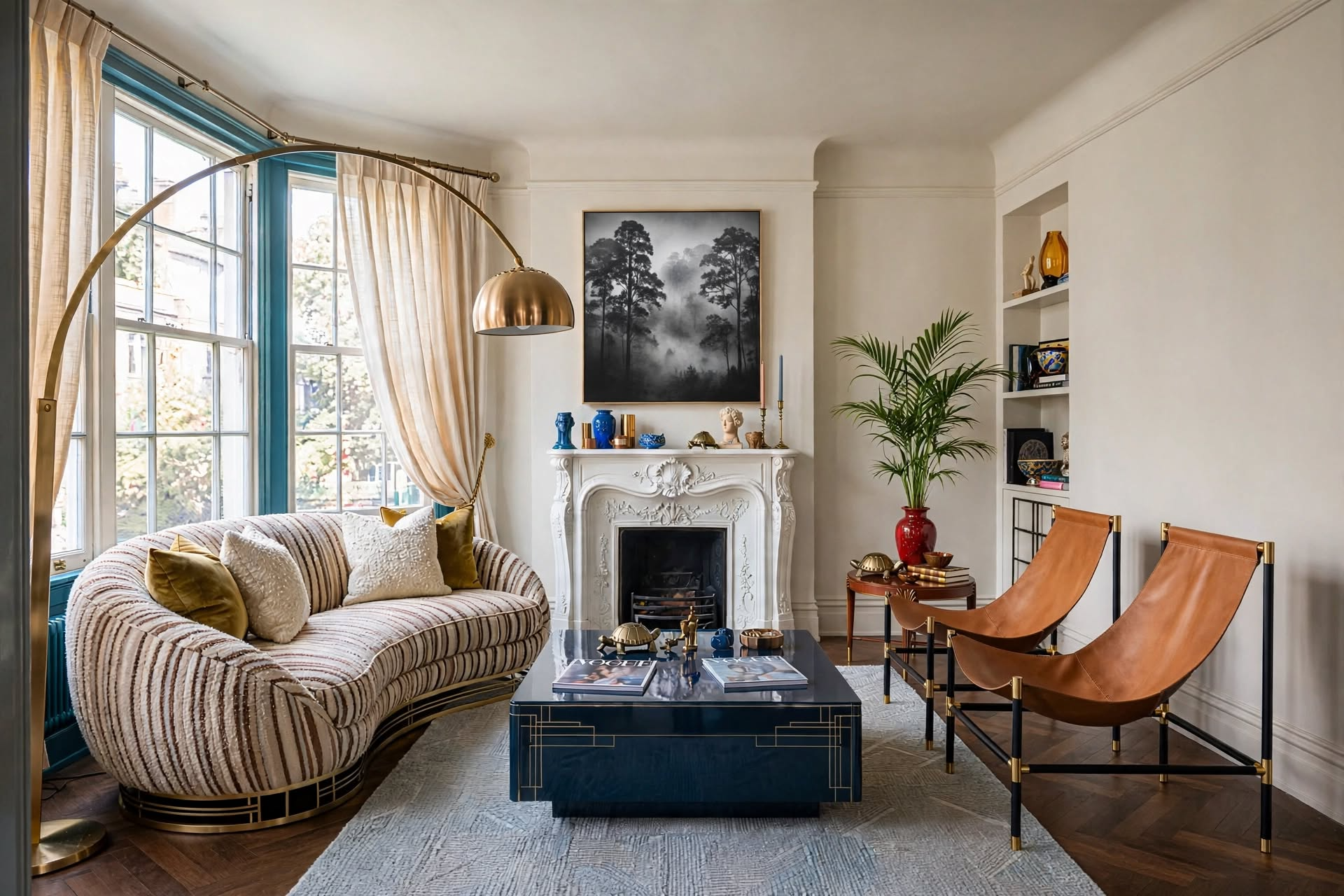
An interior design mood board is a single page (paper or digital) that pulls together the colors, materials, furniture, and inspiration images for one room, so you can see how everything works together before you buy. To make one: define the room’s purpose and feeling, gather 20–30 images, pick a 3-color palette, add real materials and furniture, then edit until every piece earns its spot. Use paper for touch-and-feel samples, Canva for a polished one-page board, or Pinterest for collecting ideas fast.
Ever stood in the middle of a room, completely overwhelmed by decorating decisions, with no clear picture of what you actually want? You love a velvet sofa you saw online, a rug from a friend’s house, and a paint color from Pinterest, but you have no idea if any of it works together.

That’s exactly the problem a mood board solves. Designers make one before every project because it’s the cheapest place to make mistakes: swapping an image on a board costs nothing, while returning a sofa costs a restocking fee and a weekend.
In this guide, you’ll learn how to make an interior design mood board step by step, which format to use (paper, Canva, or Pinterest), what to put on it, how to know when it’s finished, and how to turn it into a shopping plan you’ll actually follow.
In This Guide
- What Is an Interior Design Mood Board?
- Why Make a Mood Board?
- Before You Start: Set Your Ground Rules
- How to Make a Mood Board: 6 Steps
- What to Put on Your Board
- Paper, Canva, or Pinterest?
- How to Make a Pinterest Mood Board
- Edit & Refine Your Board
- How to Know Your Mood Board Is Finished
- Turn Your Board Into a Shopping Plan
- Mood Board Mistakes to Avoid
- FAQs
What Is an Interior Design Mood Board?

An interior design mood board is a visual plan for one room: a curated collection of colors, materials, furniture, and inspiration images arranged on a single board so you can see the whole look at once and make decisions with confidence.
It can be physical (a foam board with paint chips and fabric swatches) or digital (a Canva page or a Pinterest board). Either way, it does three jobs: it shows you what you like, it shows you whether those things work together, and it gives you something concrete to show a partner, a contractor, or a designer instead of trying to describe it.
Mood Board vs. Vision Board
Mood Board
Focuses on design elements for a specific room: colors, materials, furniture, lighting, and how they relate to each other.
Shows: how your kitchen will look.
Vision Board
Broader and more emotional: lifestyle goals, feelings, and aspirations, not just design choices.
Shows: how you want to live in that kitchen.
Why Make a Mood Board?

A mood board turns “I’ll know it when I see it” into a clear plan. It filters endless options down to your real style, lets you preview combinations before buying, and stops expensive one-off purchases that don’t fit the room.
Gain Clarity
Cut through endless options and zero in on what you actually love.
Find Your Style
Patterns appear in what you save, even if you can’t name your style yet.
Preview Before Buying
See how colors, textures, and shapes work together before spending a dollar.
Prevent Costly Mistakes
Check every “I love it!” purchase against the board before you buy.
Communicate Clearly
Show a partner or contractor exactly what you mean instead of describing it.
Create a Roadmap
Know what to buy first, what can wait, and what you don’t need at all.
Before You Start: Set Your Ground Rules
Before you collect a single image, write down your real-world limits: what you’re keeping, what problem you’re solving, your room’s measurements, your budget, and anything you can’t change. This keeps your mood board practical instead of a collection of rooms you can’t have.
- Your starting point: List the pieces you’re keeping. Your board has to work around them.
- Your goal: Are you solving a problem (storage, flow, lighting) or mainly refreshing the look?
- Your space: Measure the room and take photos. Keep them on the board so reality stays in view.
- Your budget: Set a rough range so you pin inspiration you can actually recreate.
- Your constraints: Note anything you can’t change, like architecture, rental rules, kids, or pets.
Add a small “Do Not Want” corner to your board for styles, colors, or pieces you’ve ruled out. Knowing what you don’t want is just as useful, and it stops you drifting back to options you already rejected.
How to Make an Interior Design Mood Board: 6 Steps

To make an interior design mood board, define the room’s purpose and feeling, gather inspiration, choose a color palette, add materials and furniture, arrange everything on one board, then step back and edit until it feels cohesive.
- 1Define your vision
Answer four questions: What is this room for? How do I want it to feel? Which colors and textures do I gravitate toward? What style am I drawn to? Write the answers at the top of your board. Not sure of your style? Take our interior design style quiz.
- 2Gather inspiration
Collect images from Pinterest, Instagram, magazines, design books, even nature photos. Save freely at this stage; you’ll edit later. Aim for 40–50 images to start.
- 3Choose your color palette
Pick three main colors using the 60-30-10 rule: a dominant neutral, a secondary color, and an accent. Add paint chips or color swatches to the board.
- 4Add materials and textures
Fabric swatches, wood samples, metal finishes, stone, rug corners. Aim for three main textures so the room feels layered but not chaotic.
- 5Add furniture, lighting, and details
Drop in the actual pieces you’re considering: sofa, rug, lighting, art, and accessories. Put the biggest pieces in first; they set the tone for everything else.
- 6Arrange, evaluate, and edit
Arrange everything on one page, then step back. Does it match the feeling you wrote down in step 1? Remove anything that fights the rest, even if you love it on its own.
Put your largest images in the center and work outward, the same way a designer builds a room: anchor pieces first, accessories last. It keeps the board readable at a glance.
What to Put on Your Mood Board

A useful mood board breaks a room into its ingredients (color, texture, furniture, lighting, layout, and accents) instead of just collecting pretty rooms. That’s how you learn why you love a look, so you can recreate it in your own space.
Color Palette
Paint chips, color combinations, and rooms in hues you love.
Materials
Close-ups of wood, fabric, metal, stone, and plants.
Key Pieces
Specific items you might buy, plus shapes and silhouettes you’re drawn to.
Fixtures & Mood
Fixture styles and images showing the light you want: bright and airy or warm and cozy.
Room Arrangements
Floor plans and furniture layouts that fit your room’s size and shape.
Paper, Canva, or Pinterest: Which Should You Use?
Use a paper board when texture matters (fabrics, wood, paint samples), Canva when you want one polished page to share or print, and Pinterest when you’re still collecting ideas. Many designers use Pinterest to gather, then Canva or paper to finalize.
| Format | Best For | Pros | Watch Out For |
|---|---|---|---|
| Paper / foam board | Final decisions on real materials | You can see and touch true colors and textures under your room’s light | Harder to share or edit; needs physical samples |
| Canva | One clean, shareable page | Drag-and-drop templates, remove backgrounds from product photos, easy to print or send | Screen colors can differ from real paint and fabric |
| Collecting and finding your style | Fast saving from any site, board sections, shared boards with a partner | Easy to over-save; shows images in a feed, not one composition | |
| Google Slides / Keynote | Free digital boards you already have | Simple, free, works on any computer | Fewer design templates |
Supplies for a paper board: a foam or poster board, a glue stick or double-sided tape, scissors, and your samples (paint chips, fabric swatches, magazine clippings, printed product photos).
Prefer digital? Our step-by-step guide shows how to create a mood board in Canva.
Section 07 · PinterestHow to Make a Pinterest Mood Board for Home Decor

To make a Pinterest mood board, create a secret board with a specific name, add sections for color, furniture, lighting, and accessories, pin broadly at first, then use notes and editing to turn it into a focused plan.
- 1Create a dedicated board
Tap the “+” and choose “Board.” Use a specific, searchable name like “Living Room Refresh – Coastal Modern” instead of “My Dream Room.” Keep it secret at first so you can experiment freely.
- 2Add board sections
Create sections for Color Palette, Furniture, Lighting, Textiles, and Accessories. It turns one long feed into an organized plan.
- 3Start broad, then narrow
Search general terms like “modern living room,” then follow Pinterest’s suggestions toward more specific looks as your style comes into focus.
- 4Save from beyond Pinterest
Install the Pinterest browser button to save products and rooms from design blogs and furniture sites, so real items sit next to your inspiration.
- 5Add notes as you go
Use pin notes for reminders like “love the wall color, not the sofa” or “would work if smaller.” Those notes turn generic inspiration into your own design brief.

Click through to the original source when you can instead of saving a repin. The source usually has more photos of the same room, product links, and the paint color names you can’t see in the preview.
Decorating with a partner? Each make a board, then compare. The pins you both saved are your foundation; everything else becomes a detail to negotiate, not a fight.
From Chaos to Clarity: Edit & Refine

The real value of a mood board comes from editing. Look for the colors and shapes that keep repeating, keep only your strongest 20–30 images, and remove anything that fights the direction, even if you love it on its own.
- Look for patterns: Which colors, materials, and shapes keep showing up? Those are your real preferences.
- Ask the hard question: “If I could keep only 10 images, which would they be?” Those are your anchors.
- Edit ruthlessly: Remove pins that don’t match the emerging direction.
- Reorder for flow: Overall inspiration first, specific products last.
- Take breaks: Overwhelmed? Step away for a week. The ideas that still excite you when you come back are the keepers.
Keep It Achievable
Make your final board about 80% realistic, doable pieces and 20% “stretch” ideas. It stays grounded but still inspiring.
Check the Palette
Squint at your finished board so the details blur. If one color or shape jumps out in a jarring way, it doesn’t belong yet.
How to Know Your Mood Board Is Finished

Your mood board is finished when it matches the feeling you wrote down at the start, the colors and textures feel balanced, it works with your actual room, and someone else can look at it and describe the style back to you.
- It matches your brief: Re-read your answers from step 1. The board should deliver on all of them.
- It’s balanced: No single color, texture, or piece overpowers the rest.
- It fits your room: It works with your architecture, light, measurements, and the pieces you’re keeping.
- Someone else gets it: Show a friend. If they can describe the style in a few words, your board is clear.
- It feels like you: Trust your gut. If it makes you excited to start, it’s done.
 Section 10 · Shopping
Turn Your Board Into a Shopping Plan

A finished mood board becomes your shopping filter. Keep it on your phone, buy anchor pieces first, check every new item against the board, and track costs in a simple list so the project stays on budget.
- 1Keep it with you
Save a screenshot on your phone so you can check it in stores and while shopping online.
- 2Buy anchor pieces first
Start with the biggest, hardest-to-change items like the sofa, rug, or bed. Measure twice before committing; oversized furniture is one of the most common decorating mistakes.
- 3Test new finds side by side
Before buying, drop the item’s photo next to your board. If it looks like it belongs, it does.
- 4Make a simple buying list
Four columns: Item, Estimated Cost, Priority, and Budget Alternative. It turns a pretty picture into a plan you can afford.
- 5Swap with intention
Can’t find or afford an exact piece? Look for one with the same color, shape, and texture. Those three qualities matter more than the brand.

Mood Board Mistakes to Avoid
The most common mood board mistakes are mixing too many styles, pinning rooms your home can’t become, ignoring your budget, and copying a photo instead of adapting it to your space.
Do
- Pick one main style with a few complementary accents
- Pin rooms with similar size and light to yours
- Mix dream pieces with pins in your price range
- Think about durability, comfort, kids, and pets
- Add personal pieces like heirlooms and travel finds
- Adapt the look to your space
Don’t
- Mix five styles that fight each other
- Fall for features your home doesn’t have
- Pin only rooms you could never afford
- Choose looks over everyday function
- Include every accessory you like
- Try to copy a Pinterest photo exactly
Your Room, Planned Before You Buy
An interior design mood board is the simplest way to decorate with confidence. It turns scattered inspiration into one clear picture, shows you what works together before you spend a dollar, and gives you a filter for every purchase that follows.
Start small: pick one room, write down how you want it to feel, and gather your first 20 images this week. Choose paper, Canva, or Pinterest, whichever you’ll actually use, and edit until every piece earns its spot. Then let the board do the hard part of saying “no” for you.

If you want the full formulas, spacing rules, and layout math from this guide (and every other room in your home) in one place, grab The Designer’s SECRET Cheat Sheet — it’s the shortcut version of everything a designer checks before calling a room finished.
Get the Cheat Sheet →And if you want more of this in your feed, come find us @thedecorholic on Instagram, Facebook, TikTok, and Pinterest for more room-by-room styling breakdowns like this one.